Ludoya has two main activity feeds that help you discover games, events, and people. Each feed shows different content and serves a different purpose.
The Feeds
Following Feed
Your personalized stream of activity from the people and groups you follow. Shows everything they share — no filtering. Posts, play logs, reviews, event announcements, collection changes, all of it, in full. Infinite scroll to catch up on what's new from the people you actually care about.
Global Feed
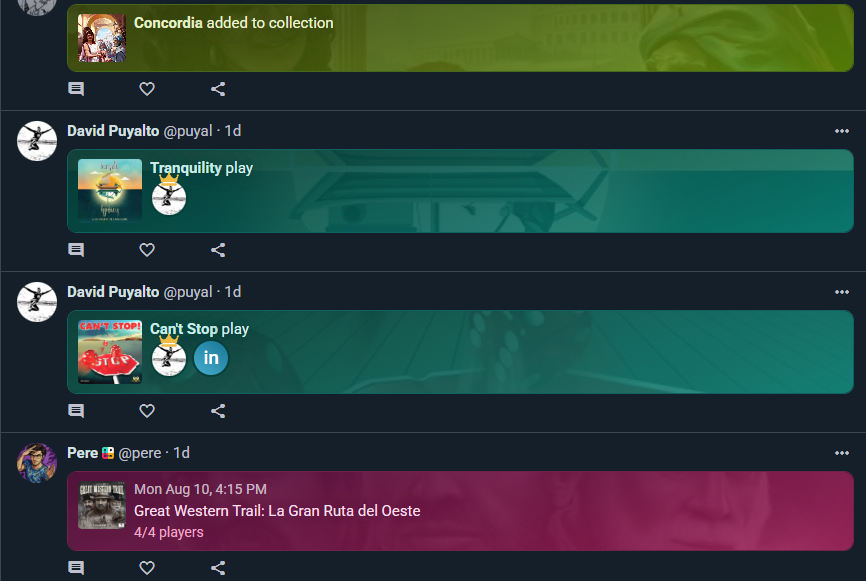
Activity from the entire Ludoya community, curated to show only relevant posts — those with photos or real text content — so you get a clean stream of the things actually worth seeing rather than an endless wall of minor activity. A great way to find inspiration and see what's happening across the global board gaming world.
Automatic Translation
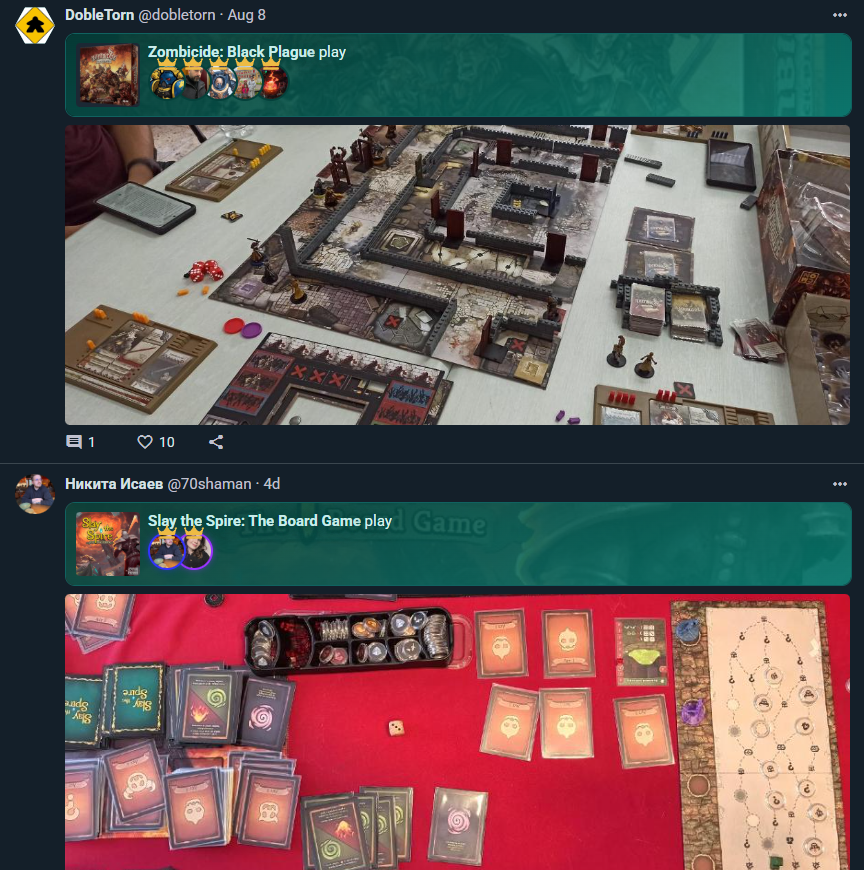
Board gaming is global, and Ludoya's feed doesn't stop at your language. Posts written in a language you don't speak are translated for you automatically — no button, no setup. You just read them.
A translated post is labelled "Translated from [language]", with Show original if you want the writer's own words.
Languages you already understand are left alone. Tap the gear next to the translation label and switch on Don't auto-translate from [language] — from then on, posts in that language stay as written. Should you ever want one translated anyway, a Show translation button is right there. You can manage the full list of languages you understand in Settings → Language.
This applies across the feed: posts, event announcements, play notes, and comments.
Content Types in Feeds
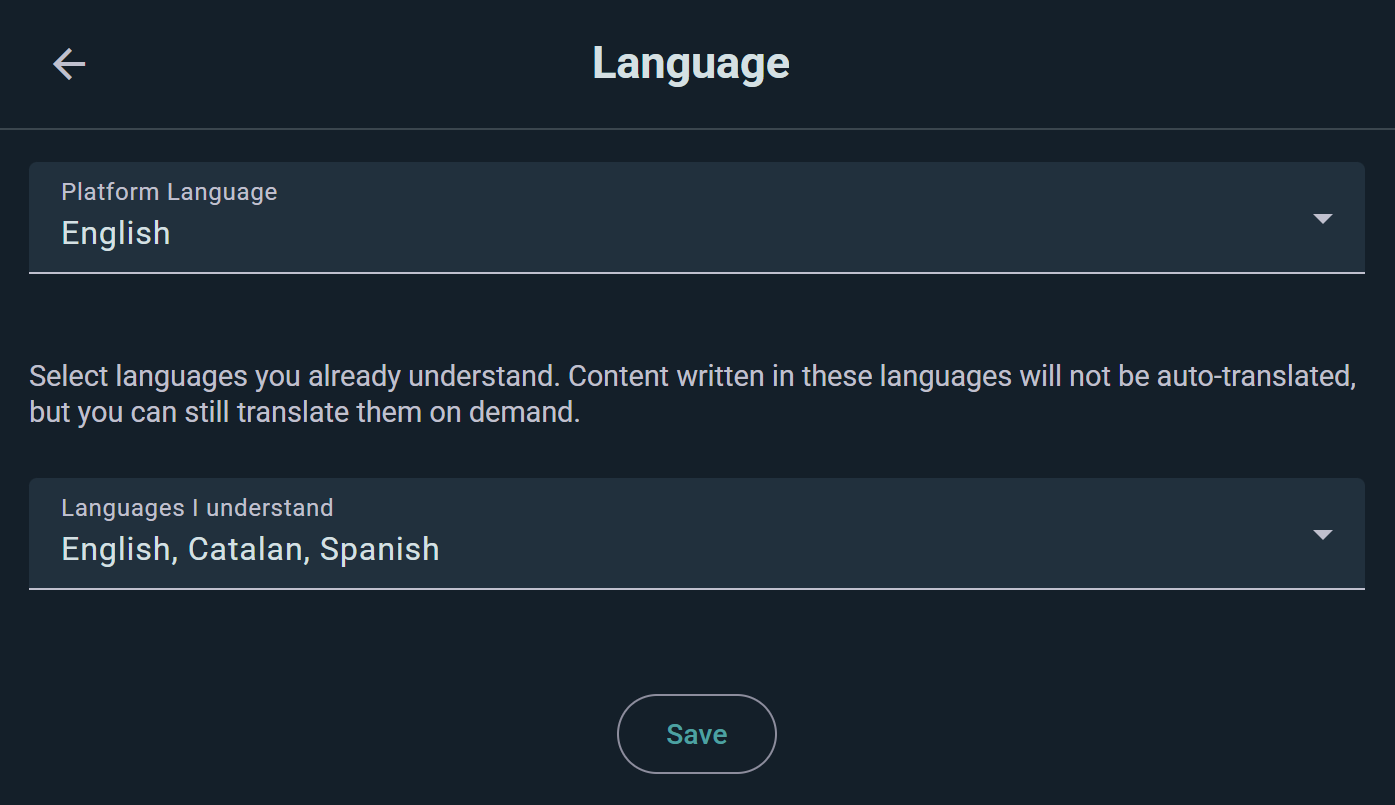
Any of the following can show up as a feed item, each rendered with its own banner so you can see at a glance what it is:
Posts
Text, photos. Share what you're thinking, coordinate game nights, ask for recommendations, or just chat. Posts can have photos and links, and may be tied to a specific game.
Reviews
Game reviews from community members, shown with the game and its star rating. Helpful for deciding what to play next or reading multiple perspectives on a game you're considering.
Plays
When you or your friends log a game session — whether through quick logging or a live session — it shows up as a feed item with the game, the players, and any photos or comments captured during play. Tap to see full details.
Collection Changes
See when someone adds or removes a game from their collection — new acquisitions, wishlist additions, games sold off. Discover what people are excited about.
Events
New events appear in the feed with the title, date, scheduled game count, and how many people are going. Great for finding things to join in your region.
Scheduled Games
Scheduled games — both standalone ones and those nested inside a parent event — show up with their date, seat count, and how many seats are filled.
Marketplace Listings
New marketplace listings appear in the feed with the game, listing type (Sell / Trade / Sell-or-Trade), price, condition, and location. A quick way to spot deals and trades in your region.
Game Kits
When someone publishes a Game Kit — a reusable play template with roles, setup steps, round steps, and a structured score sheet — it surfaces in the feed with quick stats about the kit's contents and how many times it's been used.
Campaigns
Long-running campaigns appear as their owners open them up, so you can follow a group's legacy game or RPG as it unfolds.
Shop Deals & New Arrivals
Price drops and fresh stock from retail shops land in the feed too, marked with a % off badge or a New flag. See Shops & Prices.
Interacting with Content
Like
Tap the heart icon to like a post, play log, or review. Your like is visible to others.
Comment
Tap the comment icon to add a comment. Start conversations about plays, games, or anything shared. Replies are threaded so you can follow the conversation.
Reply
Within a comment thread, tap Reply to respond directly to someone. They'll be notified.
Mention Someone
Type @ while writing a post or comment and pick a name from the suggestions — they get a notification and their name becomes a link. Comments can carry images too.
Pin Your Best Post
Pin one of your own posts to the top of your profile from its ⋮ menu, and swap it whenever you like. Group admins can do the same on a group's profile.
Delete, Report, Block
The same ⋮ menu lets you delete your own posts, and — on anyone else's — Report it or Block the author. See Privacy & Visibility.
Discovery Loops
Ludoya is designed so discovery chains together naturally:
- See a friend's play in your Following feed
- Tap the game to see the game's page, reviews, and where to play it
- Find an event listing that game
- Join the event to play with your community
Each piece of content is a starting point for discovery.
Scoped Feeds
Beyond the main feeds, activity also gets grouped into smaller, more focused streams:
User Profile Feeds
Every user profile has its own activity feed showing just that person's contributions — their posts, plays, reviews, collection changes, events, scheduled games, marketplace listings, and game kits all in one stream. Visit a profile to browse someone's full Ludoya history without the noise of everyone else.
Group Feeds
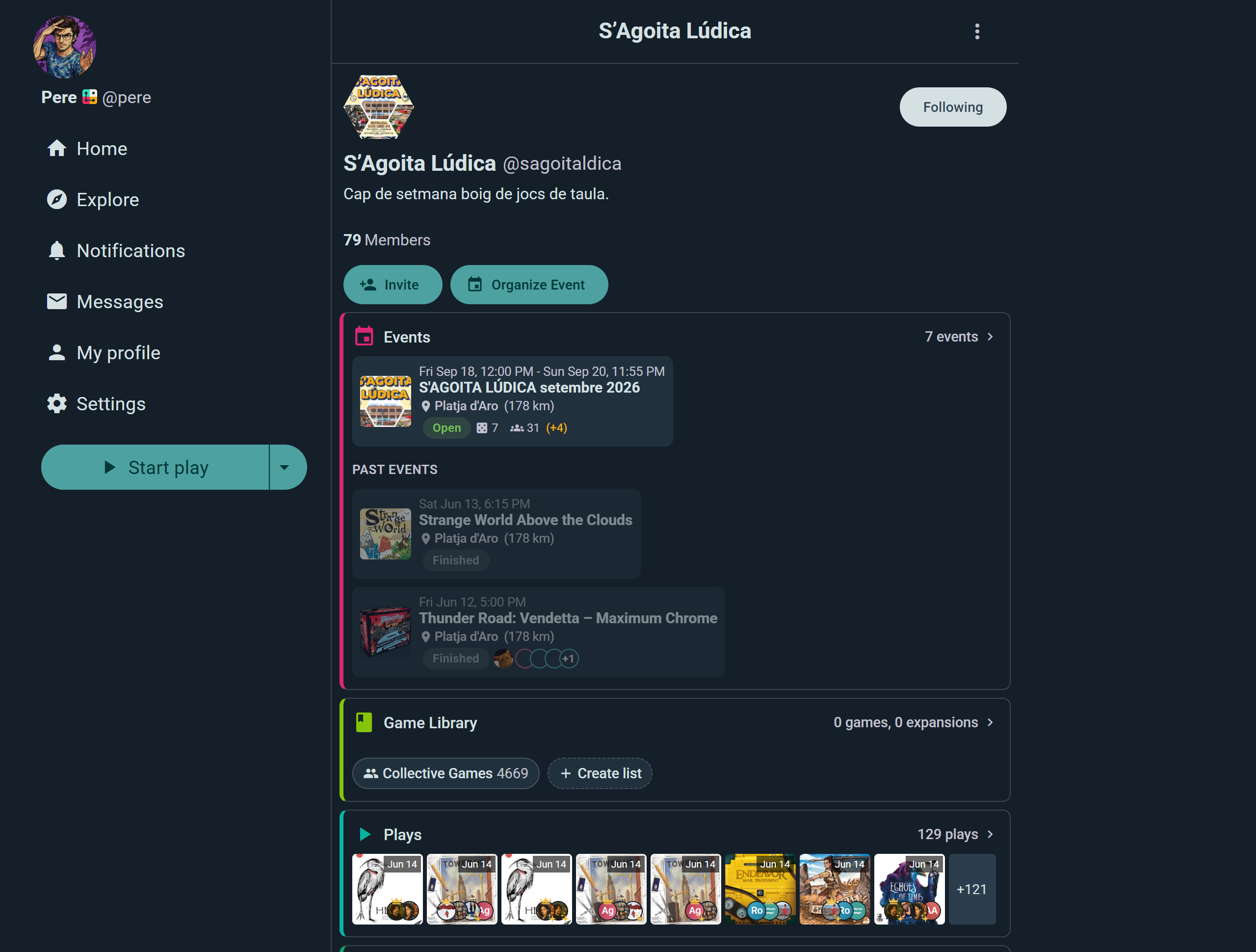
Groups have their own activity feed separate from the main feeds. Members post, log plays, and share updates within the group. This keeps group conversation focused and organized.
Pinned Posts
Group admins can pin a post to the top of the group's profile. Great for announcements, rules, or recurring logistics — it's one pin at a time, so it always points at what matters most right now.
Sharing Beyond Ludoya
Image Exports
Share your gaming activity on social media and beyond:
- Collection Export: An image of your collection highlights (customizable—choose which games show)
- Play History Export: Visual summary of recent plays with scores
- Monthly Summary: Auto-generated card showing your gaming stats for the month
- Event Card: Share an event you're attending with details and your RSVP
Save these as images and post them anywhere.
QR Codes
Share Ludoya experiences using QR codes:
- Event QR: Scan to RSVP to an event (great for posters and flyers)
- Profile QR: Scan to follow or view a profile
- Game QR: Scan to see a game's page and where to play it
- Group QR: Scan to request or join a group
Print these on posters, include in emails, or text them to friends.
Deep Links
Shareable URLs that preserve context and filters:
- Share a filtered collection view (e.g., "Party Games rated 7+")
- Share a game page with reviews filtered by player count
- Share an event with your RSVP status
When friends tap the link, they see exactly what you're referencing.
Embed Snippets
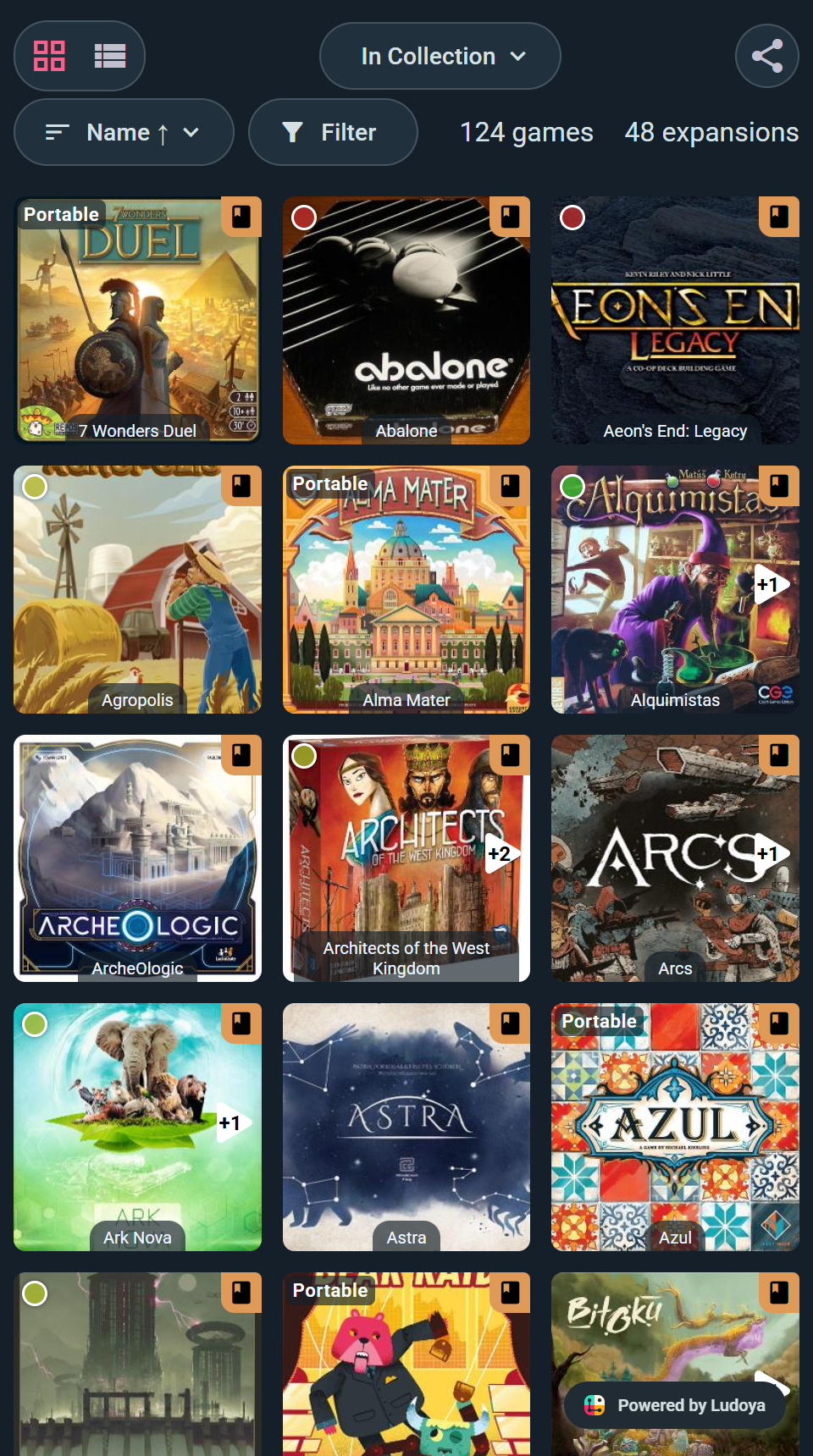
Put your collection, your plays or your upcoming events straight onto your own website or forum. Open a collection and choose Create Web Embed for a ready-made snippet that keeps whatever filter you're looking at; plays and events are addresses you point an iframe at yourself. Integrations has the details.
See also:
- User Profiles — customizable profile layouts
- Reviews — sharing game opinions
- Events — hosting and joining game sessions
- Play Logging — recording games you've played
- Groups — organizing community spaces